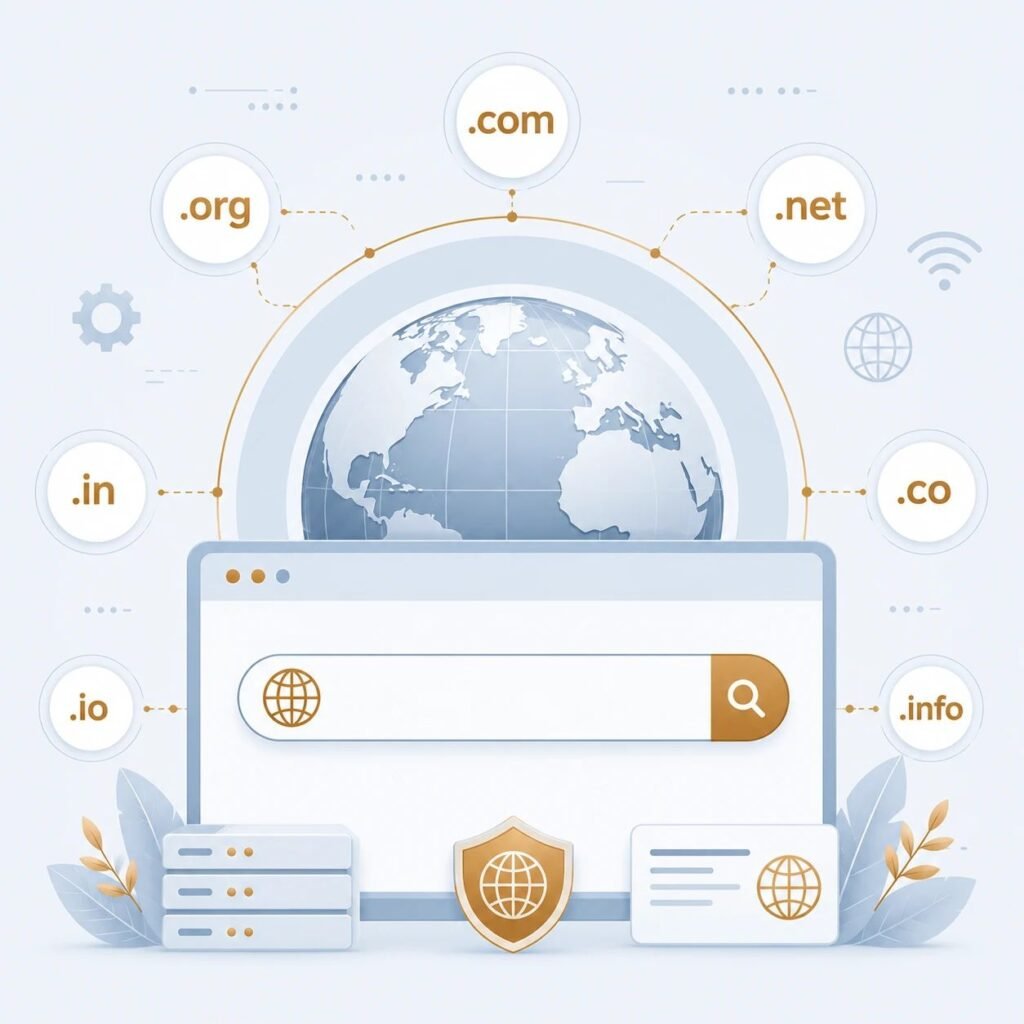
Creating a website is much easier today than it was in the past. Years ago, building a website required strong programming skills, but now anyone can create a professional website using modern website-building platforms.
If you already understand what a website is, what a domain name is, and what web hosting is, the next step is learning how to create your own website.
What Do You Need to Create a Website?
Before creating a website, you need a few essential things:
– A domain name
– A web hosting service
– A website-building platform
– An internet connection
– A clear purpose for your website
With these essentials, you can start building your website.
Step 1: Decide the Purpose of Your Website
The first step is to decide why you want to create a website.
For example, you may want to create:
– A blog
– A business website
– A portfolio
– A news website
– An educational website
– An online store
Having a clear purpose helps you make better decisions throughout the process.
Step 2: Choose a Domain Name
Select a domain name that is short, easy to remember, and relevant to your website or brand.
A good domain name makes it easier for visitors to find and remember your website.
Step 3: Buy Web Hosting
Choose a reliable web hosting provider that offers good performance, security, and customer support. Your hosting service stores your website files and makes them available on the internet.
Step 4: Choose a Website Platform
There are many website-building platforms available today, but WordPress is one of the most popular choices for beginners. It allows you to create and manage a website without advanced programming knowledge.
Step 5: Design Your Website
Choose a clean and professional design for your website. Create the essential pages, such as:
– Home
– About
– Blog
– Contact
– Privacy Policy
A simple and user-friendly design provides a better experience for visitors.
Step 6: Publish Quality Content
Once your website is ready, start publishing useful and original content. High-quality articles, images, and helpful information encourage visitors to return and improve your website’s credibility.
Step 7: Maintain Your Website
Creating a website is only the beginning. Regular maintenance is important to keep it secure and up to date.
Make sure to:
– Update your website regularly.
– Create backups.
– Improve security.
– Publish fresh content consistently.
Can You Create a Website Without Coding?
Yes. Today, many website platforms allow beginners to build professional websites without writing code. This has made website creation accessible to students, bloggers, freelancers, and business owners.
Tips for Creating a Better Website
– Choose a memorable domain name.
– Use reliable web hosting.
– Keep your design mobile-friendly.
– Improve website loading speed.
– Publish original and useful content.
– Keep your website secure and updated.
Conclusion
Building a website is no longer difficult. With the right domain name, reliable web hosting, and a trusted website platform, anyone can create a professional website. Start with the basics, continue learning, and improve your website over time to achieve your goals.
Frequently Asked Questions (FAQ)
Can I create a website without coding?
Yes. Many modern website-building platforms allow you to create a website without any coding knowledge.
What do I need before creating a website?
You need a domain name, web hosting, a website-building platform, and a clear purpose for your website.
Is creating a website expensive?
Not necessarily. There are many affordable website-building options available for beginners and businesses of all sizes.
Ash kt blog —